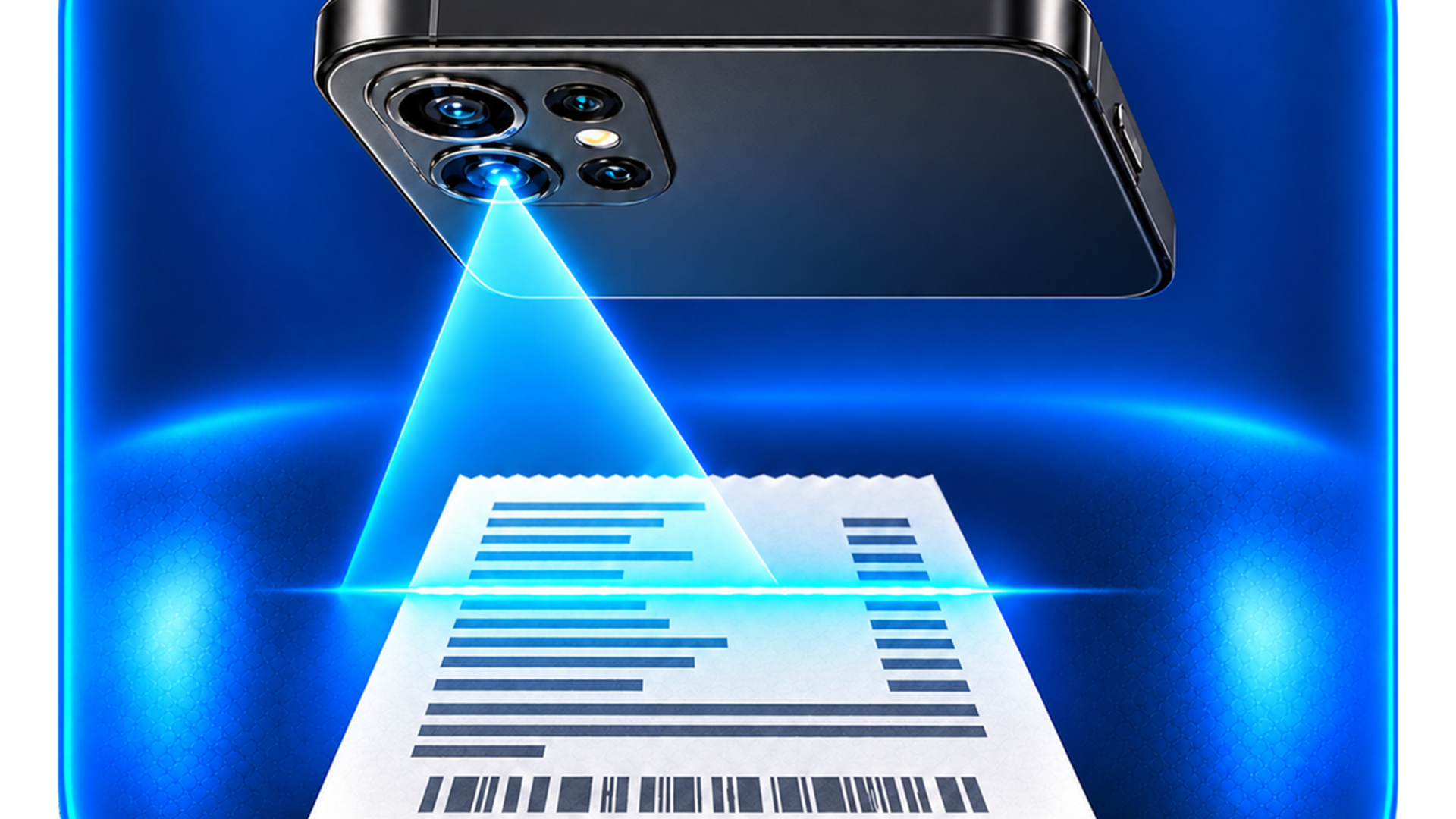
ReceiptsPath converts photos of receipts, invoices and payment vouchers into organized expense records. Text recognition runs on the device and suggests merchant, date, total and currency; you review and confirm before saving.
From receipt to verifiable record
You can photograph a receipt or choose an image, add multiple pages and fill in category, payment method, project, notes and tax data. The app keeps the original image alongside the record so the data is not separated from its evidence. This lets you later locate the purchase by merchant, date, amount or category without relying on a folder of loose photos.
- Local OCR: the document does not need to be uploaded to a server to read the text.
- Human confirmation: no OCR suggestion becomes final data without review.
- Encrypted vault: records, images and backups are protected on the device.
- Export: allows preparing evidence files with CSV, PDF, originals and integrity manifest.
- Nine interface languages: Spanish, English, Italian, French, Hindi, Chinese, Brazilian Portuguese, German and Japanese.
Prepared to deliver evidence, not to decide taxes
When it’s time to organize accounting, ReceiptsPath can gather the selected records, their original images and an integrity manifest. The package helps share orderly evidence with an accountant or keep it for later review. The app does not decide whether an expense is deductible: that answer depends on the law, the country, the tax period and the situation of each individual or business.
Privacy by design
It does not require an account, includes no ads or analytics and does not sync with a proprietary cloud. The camera, photos and biometrics are used only when you choose those functions. Backups or exports leave the device only when you select a destination using system tools.
What it does not do
ReceiptsPath does not present a total as correct just because OCR read it, does not present a category as deductible and does not replace an accountant, tax advisor or tax authority. Rules change by country and period; the user remains responsible for reviewing documents and confirming their accounting treatment.
Frequently asked questions
Do I need to create an account?
No. You can start organizing receipts without email, password or registration.
Are my receipts uploaded to a cloud?
No to a ReceiptsPath-owned cloud. Text recognition and storage work on the device. A copy only leaves when you choose to export or share it via the system.
Can OCR make mistakes?
Yes. That’s why merchant, date, total and currency appear as suggestions you must review before saving. The original photograph remains linked to the record as evidence.
Does ReceiptsPath prepare or file my taxes?
No. It organizes receipts and creates evidence files, but does not provide tax advice or file returns. Consult a professional or the appropriate tax authority.
See the privacy policy, the terms of use and the other apps in our catalog.