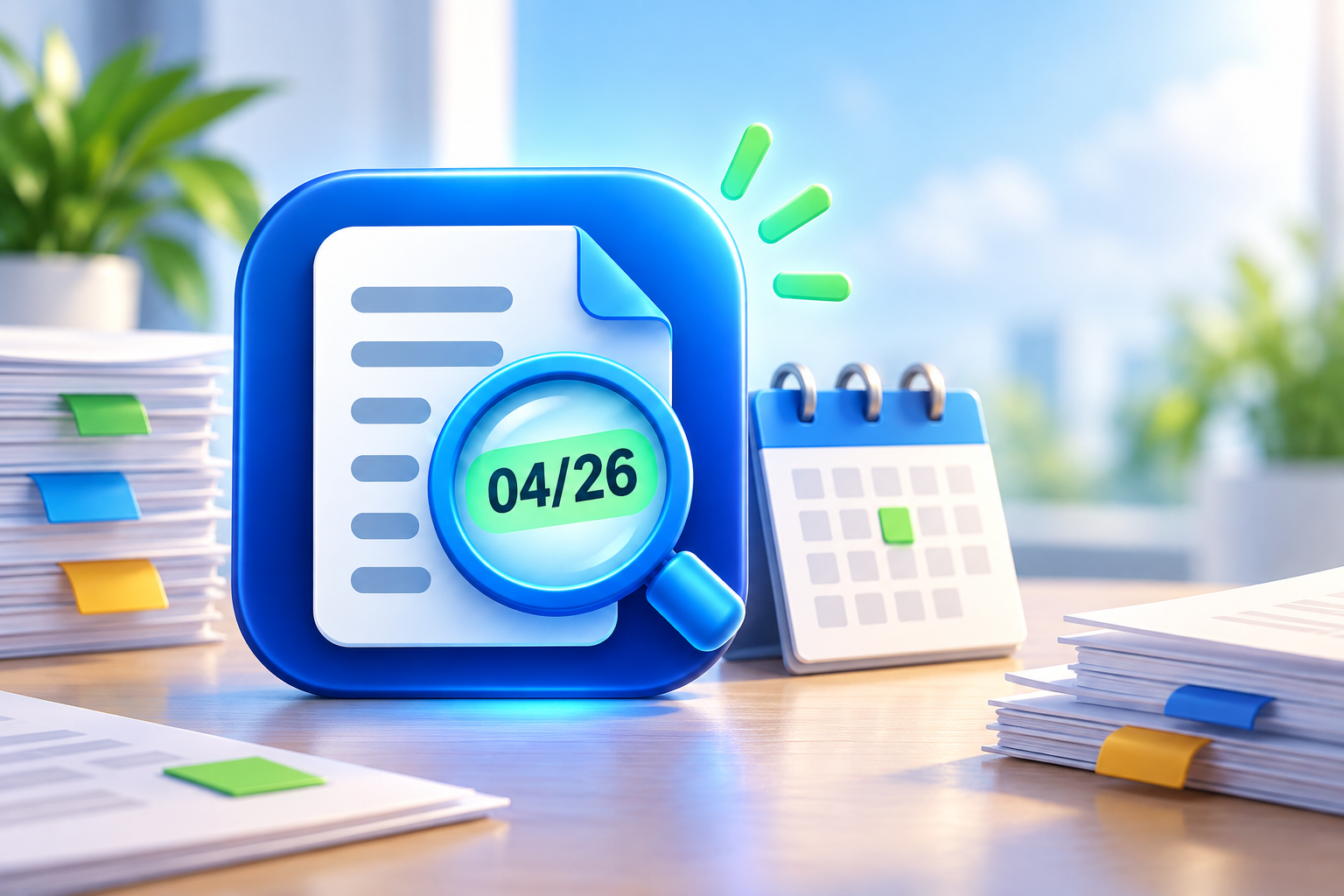
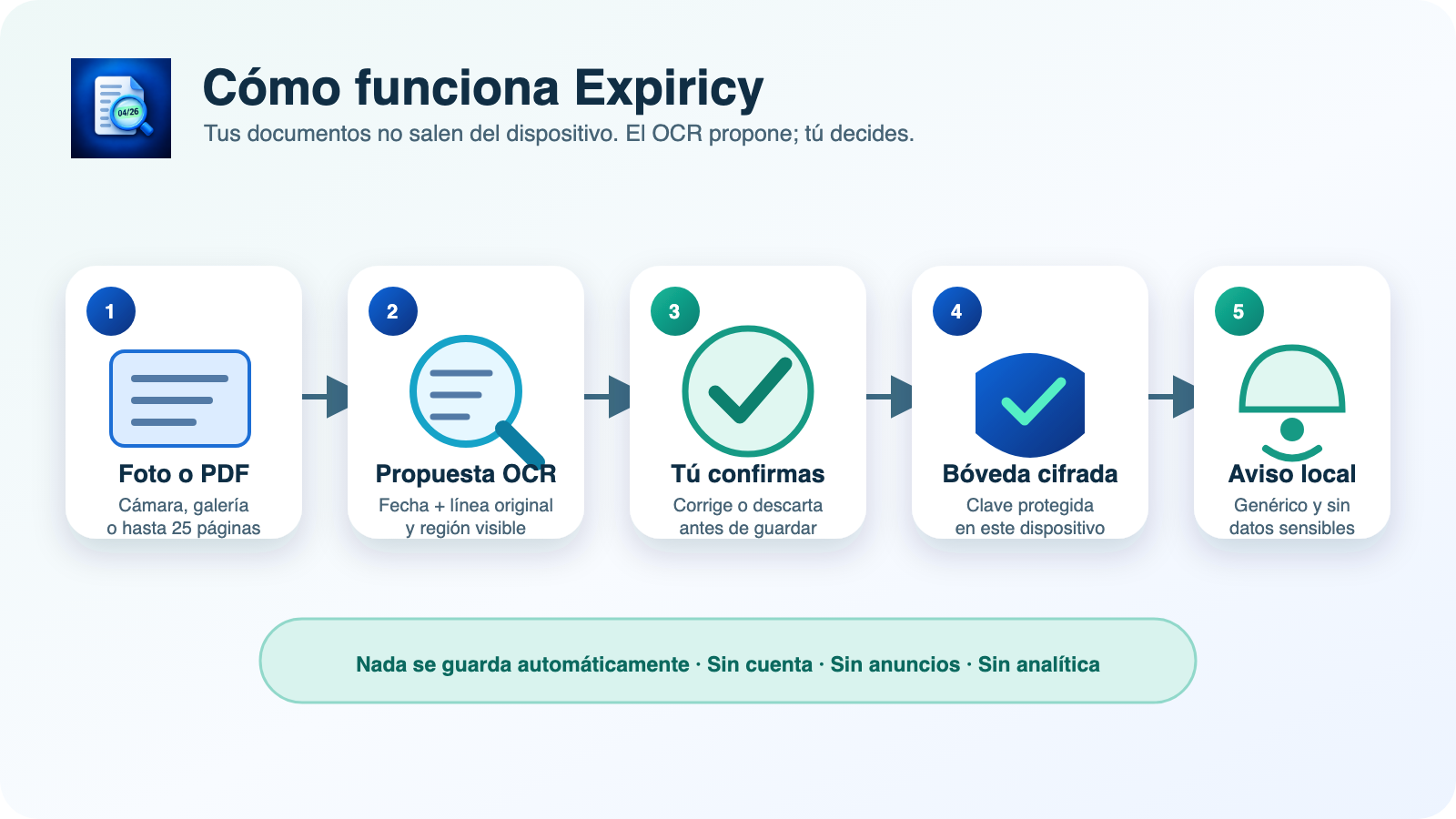
Expiricy helps remember when a document expires or needs to be reviewed. You can type the data or read fields from a photo or PDF; the recognition runs on the device and no proposal is saved until you confirm it.
What you can control
- Passports, licenses, certifications, permits, policies and inspections.
- Printed dates, review dates and documents that do not expire.
- Statuses current, upcoming, urgent, expired and unknown.
- Local notifications without sensitive details on the lock screen.
- Official guidance sources, with their review date.
The photo does not decide for you
OCR preserves the original line and the visual region that generated each proposal. You review type, issuer, issue date, expiration and masked number before saving. An official source may guide, but never replaces the printed date nor the issuer’s instructions.
Local privacy by design
Version 0.4.1+5 does not create accounts, includes no ads or analytics and does not use a proprietary server. On Android it does not even request Internet permission. Records are stored in an encrypted vault; if you want to switch devices, you can export an encrypted backup with a password that White Hat Mgmt LLC does not know nor can recover.
Features of this version
- Local import of photos and multi-page PDFs with security limits.
- OCR proposals with visual evidence and mandatory human confirmation.
- Filters, upcoming expirations hub and renewal history.
- Local prevention of duplicates and documents without expiration.
- Catalog of official sources updatable via signed packages.
- Interface in Spanish, English, Italian, French, Hindi, Chinese, Brazilian Portuguese, German and Japanese.
Frequently Asked Questions
Do I need an account?
No. The current version works without registration or account.
Is the photo sent to the Internet?
No. The text recognition in this version runs locally.
What happens if I forget the backup password?
It cannot be recovered. It is advisable to store it separately from the encrypted file.
Privacy, terms and support
See the privacy policy, the terms of use and the support page. The other apps we create and maintain are in our app catalog.